What Is an ATS? How Resume Screening Really Works

An applicant tracking system, or ATS, is software companies use to store job applications and search them. It is a database, not an automatic rejection filter: it parses your resume into structured fields so recruiters can browse and search by keyword. Resumes are lost to layouts the parser cannot read, not to a hidden score.
If you've applied to more than a handful of jobs recently, you've probably heard some version of the warning: robots are reading your resume before a human does, and if you get the format wrong, you'll never hear back. There's truth buried in that warning, but most of what circulates about applicant tracking systems is exaggerated, outdated, or simply wrong.
This guide covers what an ATS actually is, how it's genuinely used in hiring, and which of the common warnings are worth acting on versus ignoring.
What an ATS Actually Is
An applicant tracking system is software that companies use to manage job postings and the applications that come in against them. At its core, it's a database: it stores resumes, tracks which stage each candidate is at, lets recruiters leave notes, schedule interviews, and search across every application on file for specific skills or experience.
Adoption is now close to universal at larger companies. Industry estimates put ATS use at roughly three-quarters of recruiters overall, and closer to universal, around 98 percent, among Fortune 500 employers. If you're applying to a mid-size or large company, there's a strong chance your resume passes through one of these systems before a person opens it.
Smaller companies and startups are less consistent. Many still review applications manually through email or a simple spreadsheet, particularly for lower-volume hiring.
What an ATS Actually Does With Your Resume
This is where a lot of confusion comes from. An ATS is not typically an automatic gatekeeper that silently rejects resumes based on a hidden scoring algorithm, the way some career-advice content implies. Most systems fall into two categories of use:
Parsing and storage. When you submit an application, the ATS extracts your contact information, work history, and education into structured fields so a recruiter can browse it without opening every file individually. This is the step where formatting problems cause real damage. If your resume's layout confuses the parser, your information can come through scrambled, incomplete, or missing entirely, not because you were rejected, but because the system couldn't read it correctly.
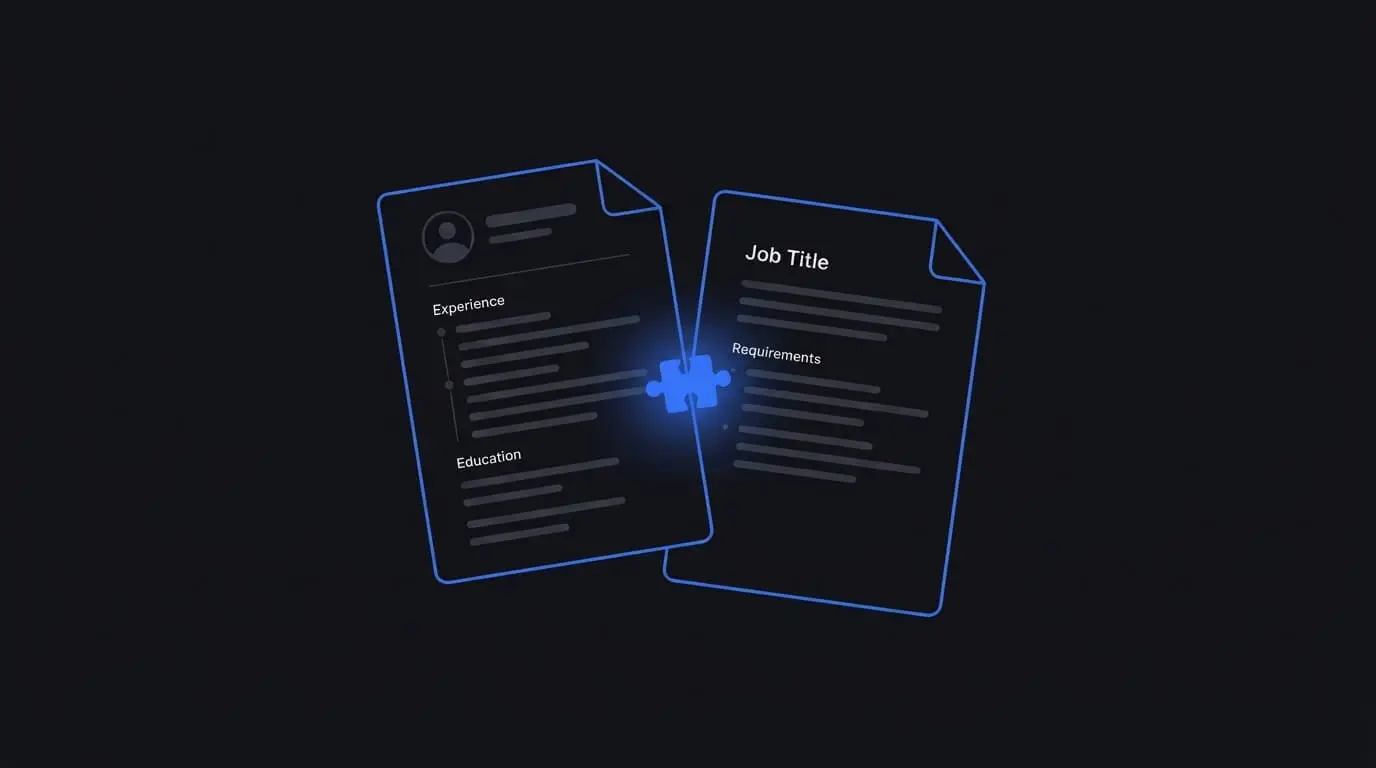
Search and filtering. Recruiters use the ATS to search across all stored applications, often by keyword, when they're trying to fill a role or find candidates who match a specific requirement. This is where relevant, honestly-stated keywords matter. If a recruiter searches "SQL" and your resume never mentions it despite you having that experience, you're less likely to surface in that search.
Some larger organizations do use additional scoring or ranking features on top of this, but even then, it's typically a recruiter-facing tool to help prioritize a large pile of applications, not a fully automated rejection system operating without human review.
Formatting Mistakes That Genuinely Cause Problems
- Multi-column layouts. Many parsers read left to right across the full page width, which can jumble two-column resumes into a confusing mix of unrelated content.
- Text inside images, headers, or footers. Contact details or section content placed in a header, footer, or a graphic element are often invisible to the system entirely.
- Tables used for page structure. Even when a table looks fine visually, it can scramble the order in which content is extracted.
- Non-standard section headings. Renaming "Work Experience" to something creative like "My Journey" can prevent the system from correctly categorizing that section.
- Uncommon file formats. Stick to a .docx file or a PDF with a real, selectable text layer, not a scanned image saved as a PDF.
Note what is not on that list: your choice of a standard, readable font, the use of bold text or bullet points, and a keyword "match percentage" that no real system grades you against. Those are covered under Common ATS Myths Worth Retiring below. The formatting fundamentals that apply to every resume, ATS or not, are in our complete guide to writing a resume.
Why Keywords Matter More Than People Expect
Because recruiters frequently search their ATS database by keyword, using the specific terms from a job posting where they genuinely apply to your background is one of the highest-leverage things you can do. This isn't about stuffing your resume with buzzwords. It's about matching the language.
If a posting asks for "stakeholder management" and your resume says "worked with different departments," a keyword search for the former may not surface you, even though your actual experience qualifies. Adjusting the wording to reflect terms the posting uses, honestly and only where your experience supports it, closes that gap.
This matters enough that it's worth doing for every application rather than relying on one general-purpose resume. We cover the full process in our guide to tailoring your resume for any job.
Common ATS Myths Worth Retiring
- "ATS software automatically rejects most resumes." In most implementations, the ATS organizes and surfaces applications for a human to review. Formatting failures and keyword mismatches reduce visibility, but a wholesale automatic rejection system, with no recruiter involved, is not how most ATS platforms are actually configured.
- "There's a single test every resume needs to pass." There isn't. Different companies use different ATS software, configured differently. What helps across the board is clean, standard formatting, not chasing one specific tool's quirks.
- "Any color or design element will get you filtered out." A clean layout with a small amount of color or a single accent border is generally fine, as long as the actual text content isn't embedded inside an image.
- "PDFs don't work with ATS." A well-made PDF with a real text layer parses correctly in virtually all modern systems. The exception is a PDF that's actually a scanned image of a resume, which has no extractable text at all.
How to Check Your Own Resume
Before submitting, a quick self-check catches most issues:
- Copy and paste your resume's text into a plain text editor. If the content comes out scrambled, out of order, or missing sections, a parser will likely have the same problem.
- Confirm your contact information sits in the main body of the document, not a header or footer.
- Search your resume for the key terms in the job posting. If a skill you genuinely have isn't mentioned anywhere, add it in your own words.
- Save as a PDF and reopen it to confirm the text is selectable, not an image.
Where AI Tools Fit In
Manually rebuilding a resume's formatting and keyword match for every application is tedious enough that most people simply don't do it, which is a large part of why so many qualified candidates get filtered out. Get AI Resume is built around solving both problems at once. Every template uses a single-column, standard-heading structure designed to parse cleanly, and pasting in a job description surfaces the skills and experience from your own background that genuinely match what that role is asking for. It doesn't add anything you didn't provide; it only helps you present and phrase what's already true about your experience.
Frequently Asked Questions
Can I check if my resume passes a specific company's ATS? Not directly, since most companies don't expose that information and configurations vary. The best approach is following general best practices, clean formatting and honest keyword alignment, rather than trying to reverse-engineer one specific system.
Do small companies use an ATS? Some do, but adoption is far less consistent than at large employers. Many smaller companies still review applications manually, particularly for lower-volume roles.
Will a creative resume design get automatically rejected? Not automatically, but design choices that hide or scramble your text, like multi-column layouts, text-in-images, or heavy use of tables, do reduce how reliably a system can read your information.
Is it true recruiters never see resumes an ATS filters out? This varies by company. Many organizations still have a recruiter review incoming applications, using the ATS as an organizational tool rather than a fully automated filter. Some larger organizations do use additional automated scoring, but a human is typically still involved before a final rejection.
What file format is safest for ATS? A .docx file or a PDF with a real, selectable text layer both work reliably with modern systems. Avoid scanned image PDFs and less common formats like .pages.